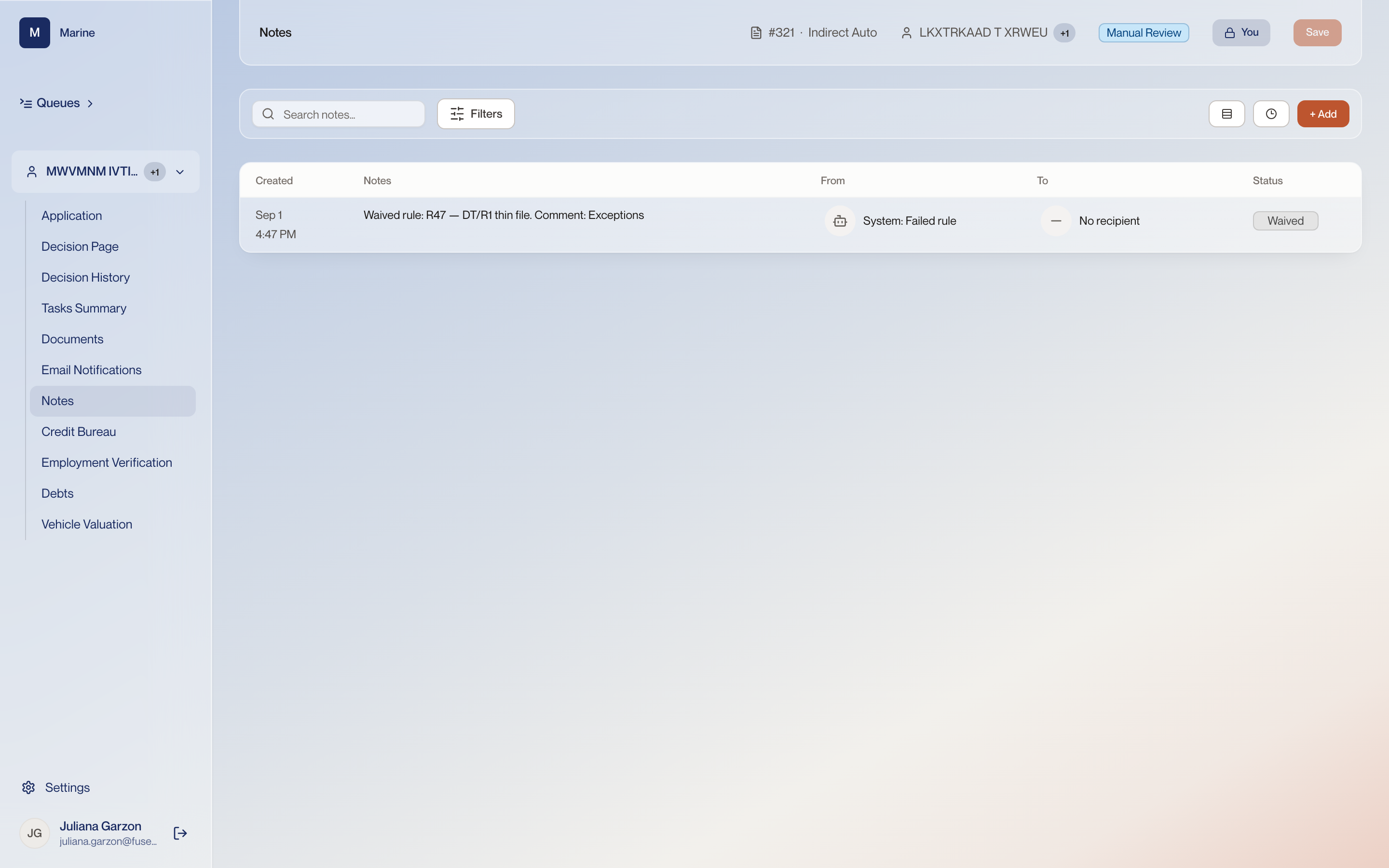
Reference · Reference: Notes Reference: Notes The running log on the file. Come here when you need to record an exception in your own words, or to read why someone before you waived a rule. The list is the running log of the file, so your note sits alongside the ones the system wrote.
Notes 1 A note on the file Notes is the running history of the application — observations, comments, and the record of every exception made and every task raised. This row reads “Waived rule: R47 — DTI/PTI thin file. Comment: Exceptions”. Making an exception on a rule writes itself here with its comment attached. This log is where you find out what was set aside on a file and on what reasoning. 2 From and To Who the note came from and who it went to. Here: System, Failed rule — and no recipient. A note from System is the product recording what happened. A note from a person is somebody's judgement, and the two carry different weight. 3 Status What the note represents. This one is marked Waived. Waived is not a comment, it is a state. It says a rule that failed was set aside deliberately. 4 Add a note Writes a new note against the application. Anything you changed by judgement — an adjusted payment, an exception — belongs here in your own words. Nobody reading the file later can reconstruct why otherwise.