Reference · Reference: Decision History Reference: Decision History One row per decision run, newest first. Come here to see what the engine returned each time the application was decisioned, and who ran it. A Success is about the system recording the change, not about the outcome being right — that judgement is yours and it belongs in Notes. A file that has sat with no decision has usually stalled here rather than been forgotten — the membership lookup against Symitar is the first thing to read, because the automatic run stops when it fails.
Decision History (indirect) Decision History (indirect)
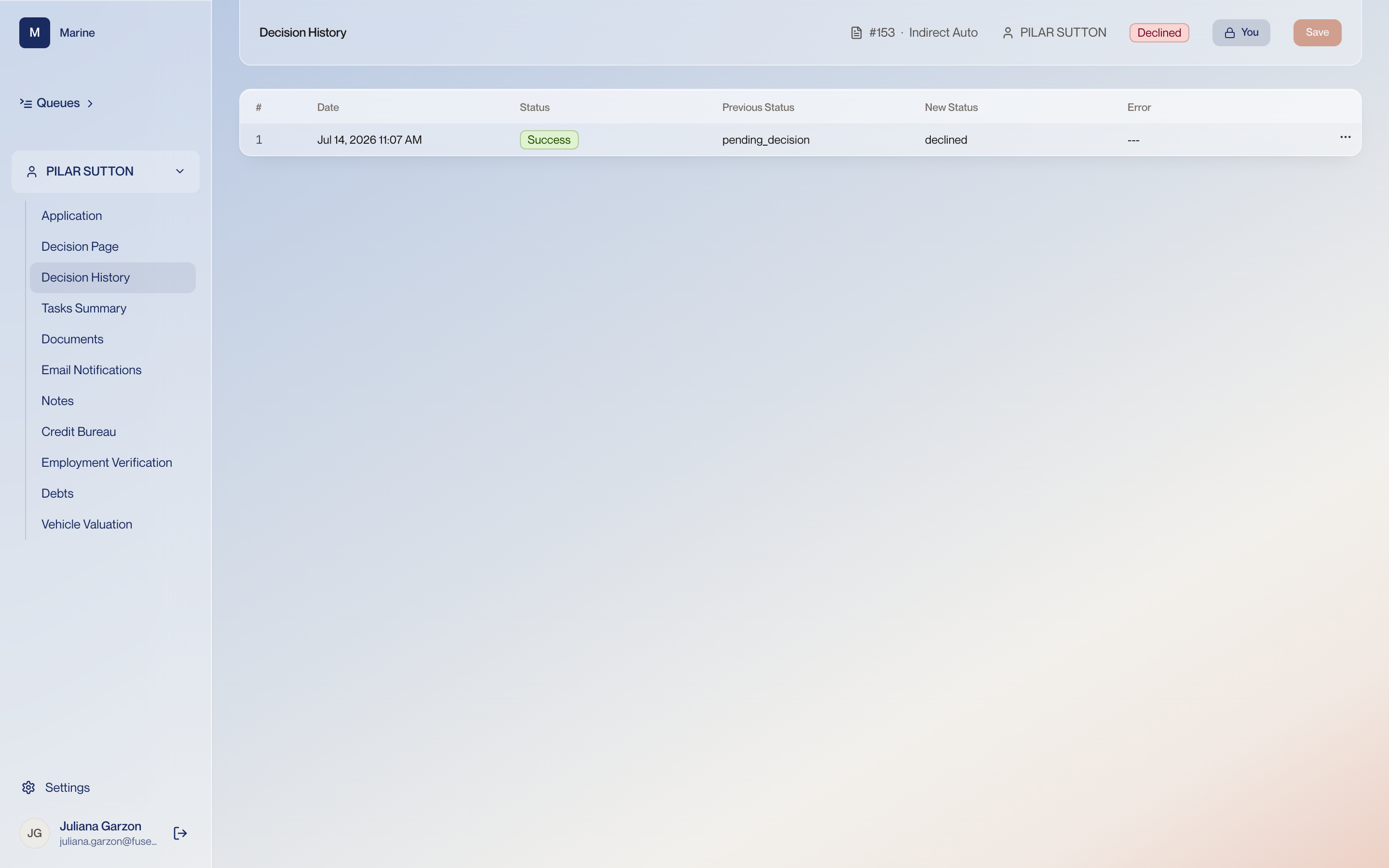
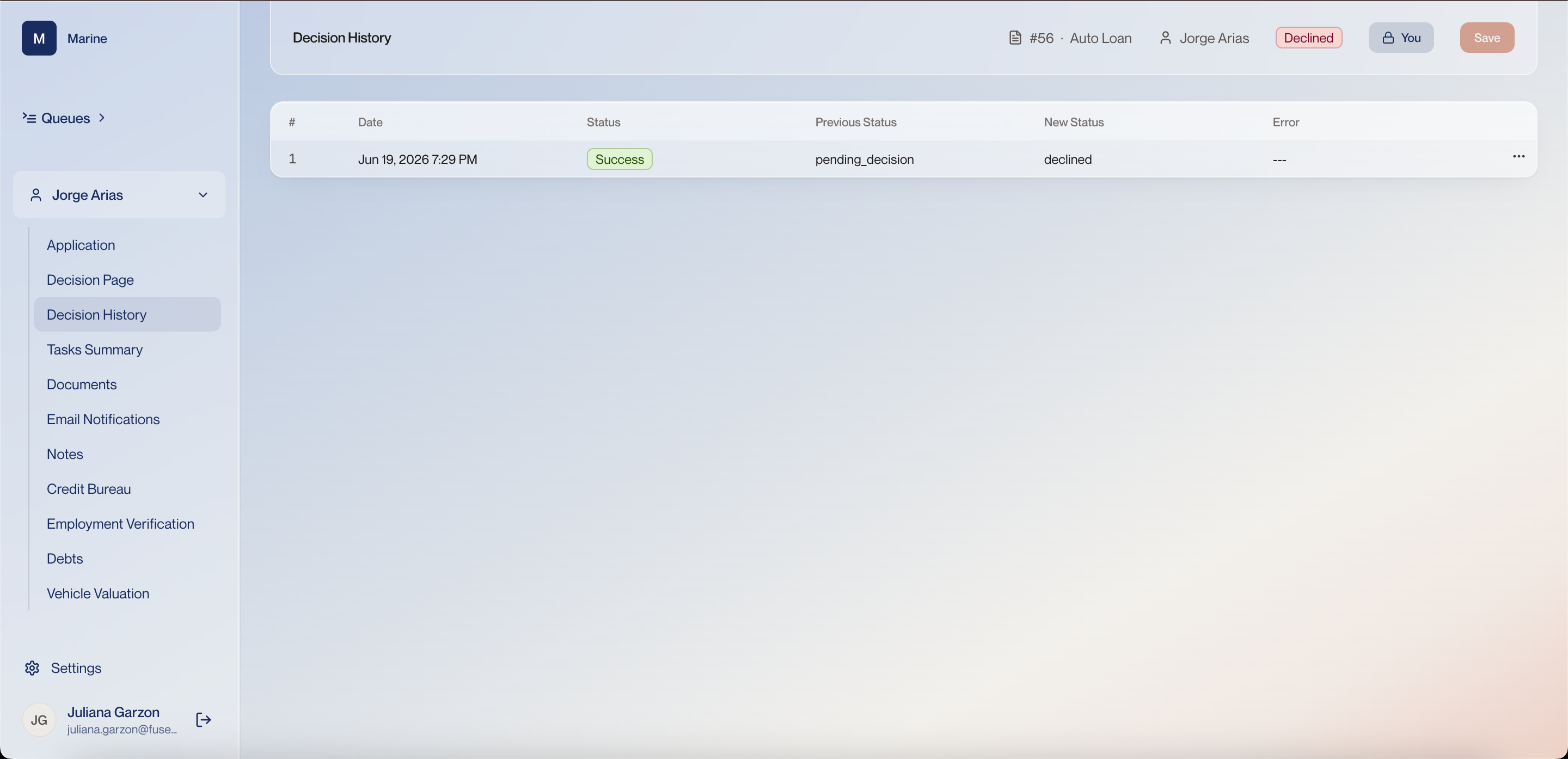
1 History columns Each row is one decision run: the date, the status of that execution, the status it started on, the status it ended on, and any error. Open a row to see the payload — what was actually decided in that run. Previous and new status side by side make the record readable months later, and the payload is there when “what did it decide” is the real question. 2 The decline, recorded One row on this file: a timestamp, Success, previous status pending_decision, new status declined, no error. This is the evidence the decision was taken and when. A decline with no row here did not land. Watch out: Success describes the system recording the change, not whether the outcome was the right one. Decision History 1 History columns Each row is one decision run: the date, the status of that execution, the status it started on, the status it ended on, and any error. Open a row to see the payload — what was actually decided in that run. Previous and new status side by side make the record readable months later, and the payload is there when “what did it decide” is the real question. 2 The decline, recorded One row on #56: Jun 19 2026 7:29 PM, Success, pending_decision → declined, no error. This is the evidence the decision was taken and when. A decline with no row here did not land. Watch out: Success describes the system recording the change, not whether the outcome was the right one.